install-ai-model
Overview
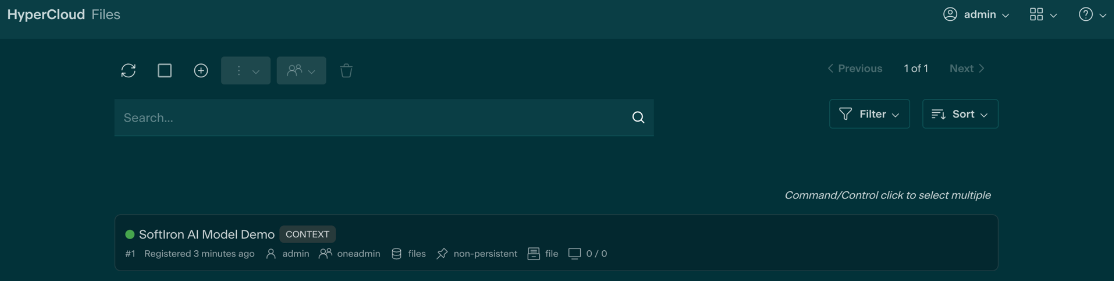
AI model files that have been uploaded into the dashboard's datastore and are labeled as READY for use can be installed via the cluster's dashboard CLI. It is a single command that will detect all available models and allow the user to select which one to install. Enter the desired number and input yes to proceed with installation.